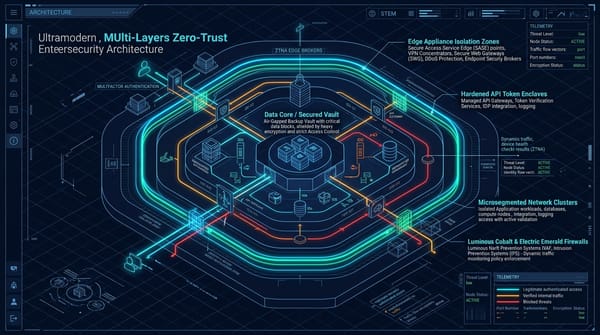
OWASP Dependency-Track: Free SBOM-Powered Supply Chain Security for Everyone
A complete architecture and deployment guide for OWASP Dependency-Track using Docker Compose, FluxCD, and ArgoCD.


If you read our breakdown of the TeamPCP supply chain campaign, you already know what is at stake when you do not know what is in your software. Trivy was weaponized precisely because organizations trusted it blindly — running it in CI pipelines with full secret access, never verifying artifact integrity. OWASP Dependency-Track is the tool that closes that visibility gap. This guide covers what it is, why it belongs in every security program regardless of budget, and how to deploy it — from Docker Compose up to a production GitOps Kubernetes cluster.
What Is OWASP Dependency-Track?
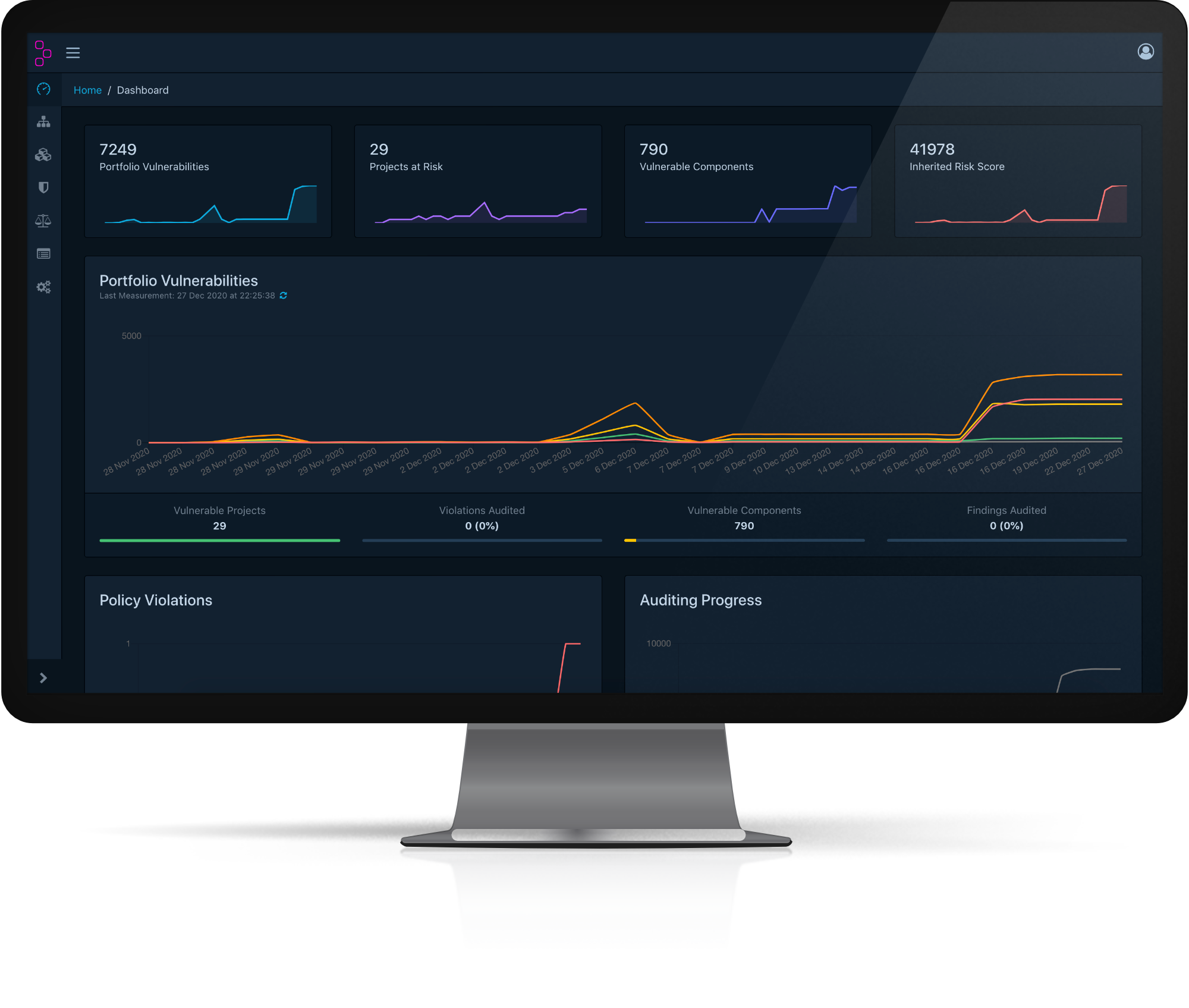
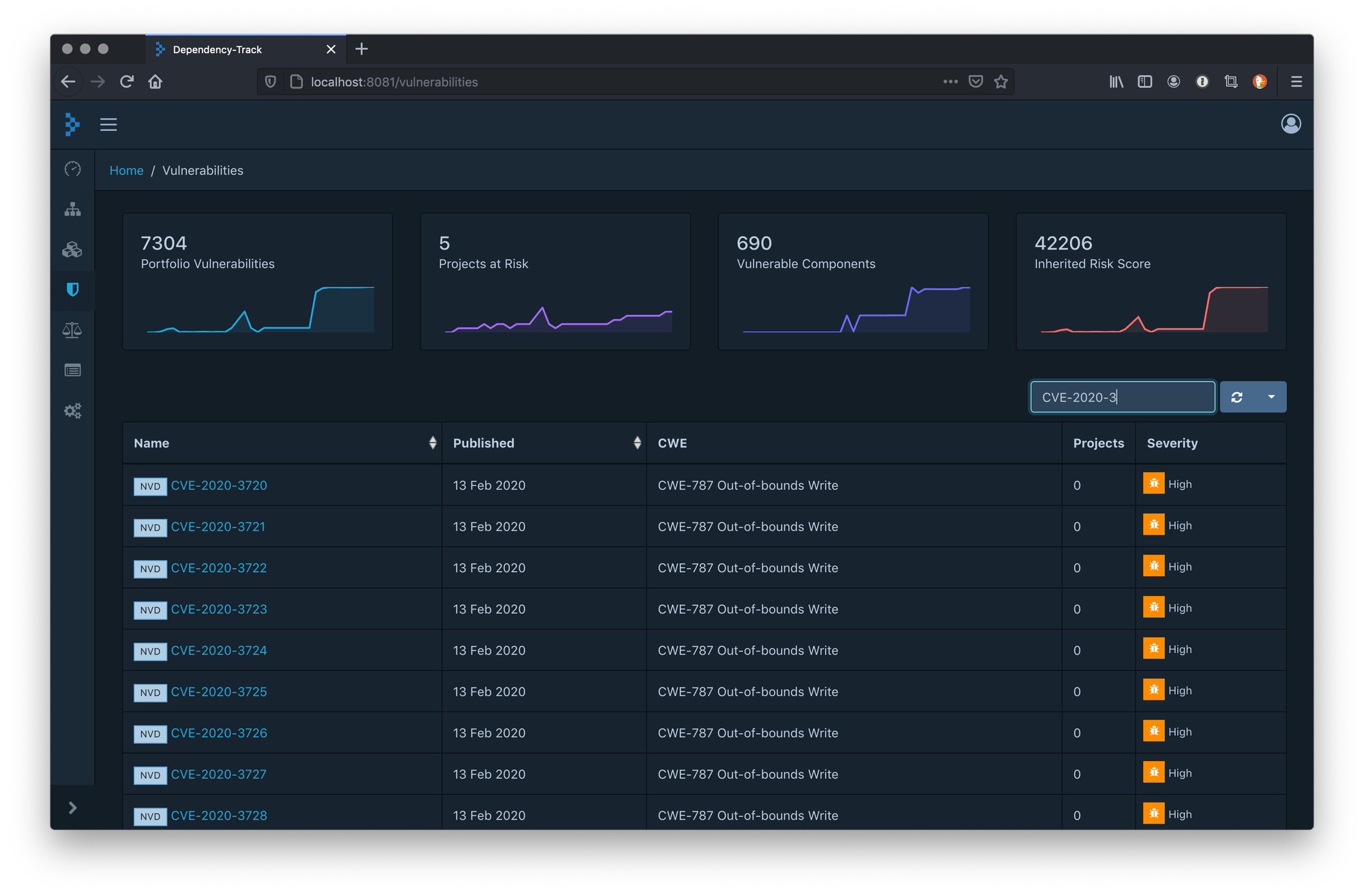
Dependency-Track is an open-source OWASP Flagship Component Analysis platform. It continuously monitors every third-party component across every version of every application in your portfolio, correlating them against live vulnerability intelligence from NVD, GitHub Advisories, VulnDB, and OSS Index.
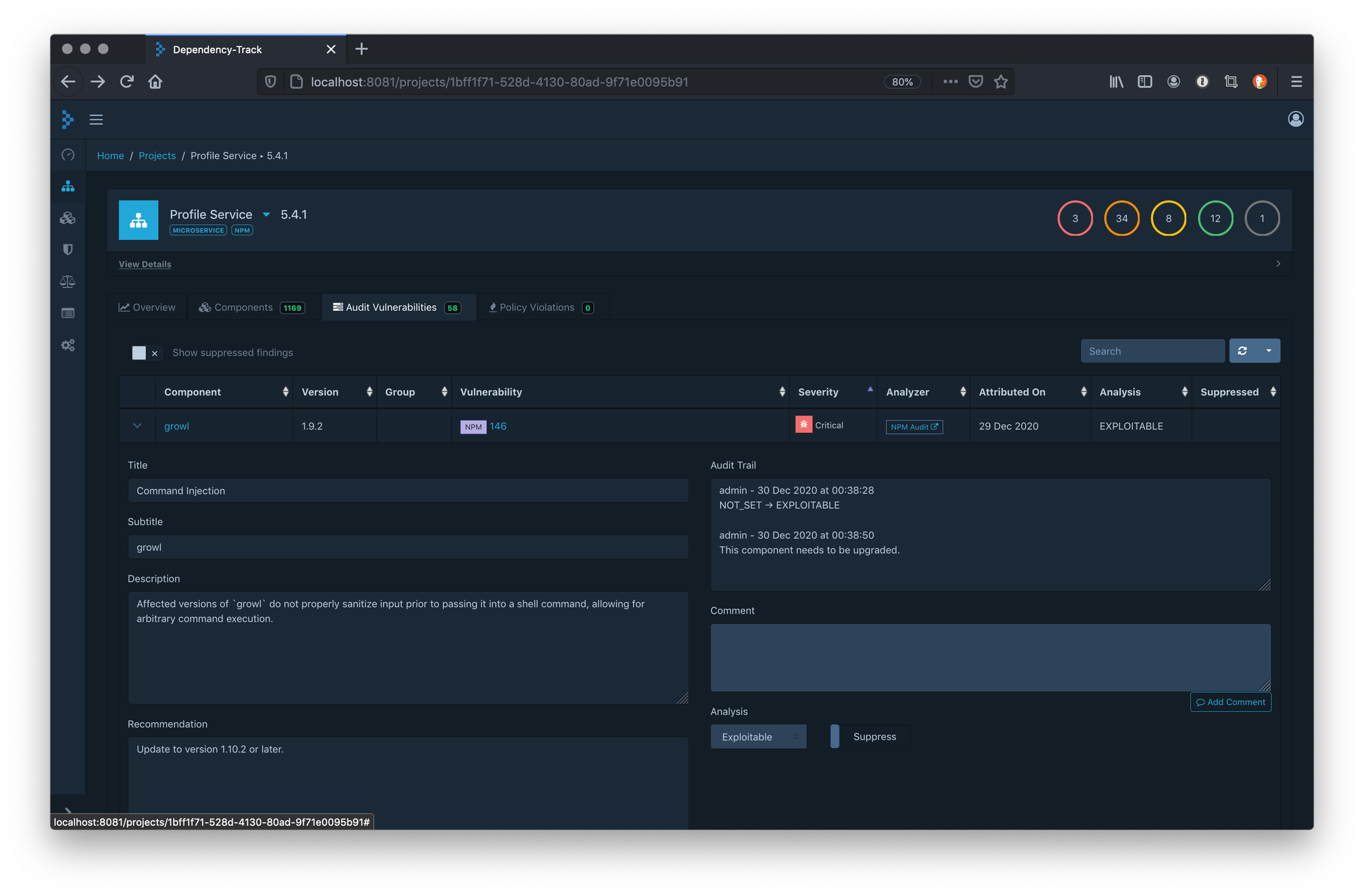
What sets it apart from traditional SCA tools is its SBOM-first design. Rather than scanning source code at a single point in time, Dependency-Track ingests CycloneDX or SPDX Software Bill of Materials documents and tracks them continuously. When a new CVE drops, you know immediately which projects are affected — without re-running a scan.
Key capabilities: continuous vulnerability monitoring across your entire portfolio, CycloneDX SBOM ingestion and generation, VEX (Vulnerability Exploitability Exchange) support, EPSS integration for exploitation probability scoring, license risk tracking, a policy engine for blocking non-compliant components, and integrations with DefectDojo, Slack, Teams, and more.
Why This Belongs in Your Security Program
The gap Dependency-Track fills is the exact one TeamPCP exploited. Organizations consumed Trivy without any visibility into what they were actually running. An SBOM-based approach means you would have known the moment v0.69.4 appeared in your environment — before it ran. For organizations building cybersecurity programs on a budget, this is one of the highest-leverage tools available. It is free, actively maintained, API-first, and integrates into existing CI/CD pipelines with minimal friction.
Architecture Overview
Dependency-Track consists of three components: the API Server (backend, embedded Jetty, handles all business logic and vulnerability correlation), the Frontend (SPA served independently, talks to the API server from the browser), and a PostgreSQL database (required for production — do not use the embedded H2 in production). Minimum recommended resources: 4GB RAM for the API server, 2 vCPU.
Option 1 — Docker Compose
Step 1: Download the Official Compose File
curl -LO https://dependencytrack.org/docker-compose.ymlStep 2: Harden Before Starting
The default compose file uses weak credentials. Edit docker-compose.yml and change the following before running:
# postgres service
environment:
  POSTGRES_DB: "dtrack"
  POSTGRES_USER: "dtrack"
  POSTGRES_PASSWORD: "CHANGE_ME_STRONG_PASSWORD"

# apiserver service
environment:
  ALPINE_DATABASE_MODE: "external"
  ALPINE_DATABASE_URL: "jdbc:postgresql://postgres:5432/dtrack"
  ALPINE_DATABASE_DRIVER: "org.postgresql.Driver"
  ALPINE_DATABASE_USERNAME: "dtrack"
  ALPINE_DATABASE_PASSWORD: "CHANGE_ME_STRONG_PASSWORD"
  LOGGING_LEVEL: "INFO"
  ALPINE_METRICS_ENABLED: "true"
Step 3: Start the Stack
docker compose up -d

# Watch startup — API server takes ~60s to be ready
docker compose logs -f apiserver
Frontend is at http://localhost:8080, API at http://localhost:8081. Default credentials are admin / admin — change these immediately on first login.
Step 4: Reverse Proxy with TLS
Never expose Dependency-Track to the internet without TLS. Minimal nginx config:
server {
    listen 443 ssl;
    server_name dtrack.yourdomain.com;

    ssl_certificate     /etc/ssl/certs/dtrack.crt;
    ssl_certificate_key /etc/ssl/private/dtrack.key;

    location / {
        proxy_pass       http://127.0.0.1:8080;
        proxy_set_header Host $host;
        proxy_set_header X-Forwarded-Proto $scheme;
    }

    location /api/ {
        proxy_pass       http://127.0.0.1:8081;
        proxy_set_header Host $host;
    }
}
Then update API_BASE_URL in the frontend service to your external domain: API_BASE_URL: "https://dtrack.yourdomain.com"
Option 2 — Kubernetes with Helm and GitOps
For production environments, Dependency-Track ships an official Helm chart. We cover both FluxCD (pull-based, pure GitOps) and ArgoCD (UI-driven, declarative). Both reconcile cluster state from Git — your deployment is version-controlled, auditable, and automatically drift-corrected.
Step 1: Add the Helm Repository
helm repo add dependency-track https://dependencytrack.github.io/helm-charts
helm repo update
helm search repo dependency-track
Step 2: Create values.yaml
Commit this to your GitOps repo. Never store secrets in plaintext — reference Kubernetes Secret objects sourced from Sealed Secrets or External Secrets Operator.
apiserver:
  replicaCount: 1
  resources:
    limits:
      memory: 4Gi
    requests:
      memory: 2Gi
      cpu: 500m
  env:
    - name: ALPINE_DATABASE_MODE
      value: "external"
    - name: ALPINE_DATABASE_URL
      value: "jdbc:postgresql://postgres:5432/dtrack"
    - name: ALPINE_DATABASE_USERNAME
      valueFrom:
        secretKeyRef:
          name: dtrack-db-secret
          key: username
    - name: ALPINE_DATABASE_PASSWORD
      valueFrom:
        secretKeyRef:
          name: dtrack-db-secret
          key: password
    - name: ALPINE_METRICS_ENABLED
      value: "true"

frontend:
  replicaCount: 1
  env:
    - name: API_BASE_URL
      value: "https://dtrack.yourdomain.com"

ingress:
  enabled: true
  className: nginx
  annotations:
    cert-manager.io/cluster-issuer: "letsencrypt-prod"
  hosts:
    - host: dtrack.yourdomain.com
      paths:
        - path: /
          pathType: Prefix
        - path: /api
          pathType: Prefix
  tls:
    - secretName: dtrack-tls
      hosts:
        - dtrack.yourdomain.com
Step 3a: FluxCD Deployment
With Flux bootstrapped in your cluster, commit the following manifests to your GitOps repository:
# clusters/production/dtrack/helmrepository.yaml
apiVersion: source.toolkit.fluxcd.io/v1
kind: HelmRepository
metadata:
  name: dependency-track
  namespace: flux-system
spec:
  interval: 1h
  url: https://dependencytrack.github.io/helm-charts
---
# clusters/production/dtrack/helmrelease.yaml
apiVersion: helm.toolkit.fluxcd.io/v2
kind: HelmRelease
metadata:
  name: dependency-track
  namespace: dependency-track
spec:
  interval: 10m
  chart:
    spec:
      chart: dependency-track
      version: ">=1.0.0"   # pin to exact version in production
      sourceRef:
        kind: HelmRepository
        name: dependency-track
        namespace: flux-system
  valuesFrom:
    - kind: ConfigMap
      name: dtrack-values
  upgrade:
    remediation:
      retries: 3
  rollback:
    timeout: 5m
Commit and push. Flux detects the change and reconciles. Monitor with: flux get helmreleases -n dependency-track
Step 3b: ArgoCD Deployment
With ArgoCD running, commit this Application manifest and apply it:
# apps/dependency-track/application.yaml
apiVersion: argoproj.io/v1alpha1
kind: Application
metadata:
  name: dependency-track
  namespace: argocd
spec:
  project: default
  source:
    repoURL: https://dependencytrack.github.io/helm-charts
    chart: dependency-track
    targetRevision: "*"   # pin to specific version in production
    helm:
      valueFiles:
        - values.yaml
  destination:
    server: https://kubernetes.default.svc
    namespace: dependency-track
  syncPolicy:
    automated:
      prune: true
      selfHeal: true   # auto-corrects drift — critical for security tooling
    syncOptions:
      - CreateNamespace=true
      - ServerSideApply=true
kubectl apply -f apps/dependency-track/application.yaml
argocd app get dependency-trackStep 4: Secrets Management
Use Sealed Secrets to safely commit encrypted credentials to Git:
kubectl create secret generic dtrack-db-secret \
  --from-literal=username=dtrack \
  --from-literal=password=STRONG_PASSWORD \
  --dry-run=client -o yaml | \
  kubeseal --format yaml > clusters/production/dtrack/db-secret.yaml

git add clusters/production/dtrack/db-secret.yaml
git commit -m "Add sealed dtrack DB secret"
CI/CD Integration
After every build, generate a CycloneDX SBOM and upload it automatically. This is what makes Dependency-Track continuous rather than point-in-time.
GitHub Actions Example
name: SBOM Upload
on:
  push:
    branches: [main]

jobs:
  sbom:
    runs-on: ubuntu-latest
    steps:
      - uses: actions/checkout@11bd71901bbe5b1630ceea73d27597364c9af683  # SHA pin

      - name: Generate CycloneDX SBOM
        uses: CycloneDX/gh-node-module-generatebom@v1
        with:
          output: sbom.json

      - name: Upload to Dependency-Track
        run: |
          curl -X POST https://dtrack.yourdomain.com/api/v1/bom \
            -H "X-Api-Key: ${{ secrets.DTRACK_API_KEY }}" \
            -H "Content-Type: multipart/form-data" \
            -F "projectName=my-app" \
            -F "projectVersion=${{ github.ref_name }}" \
            -F "autoCreate=true" \
            -F "[email protected]"
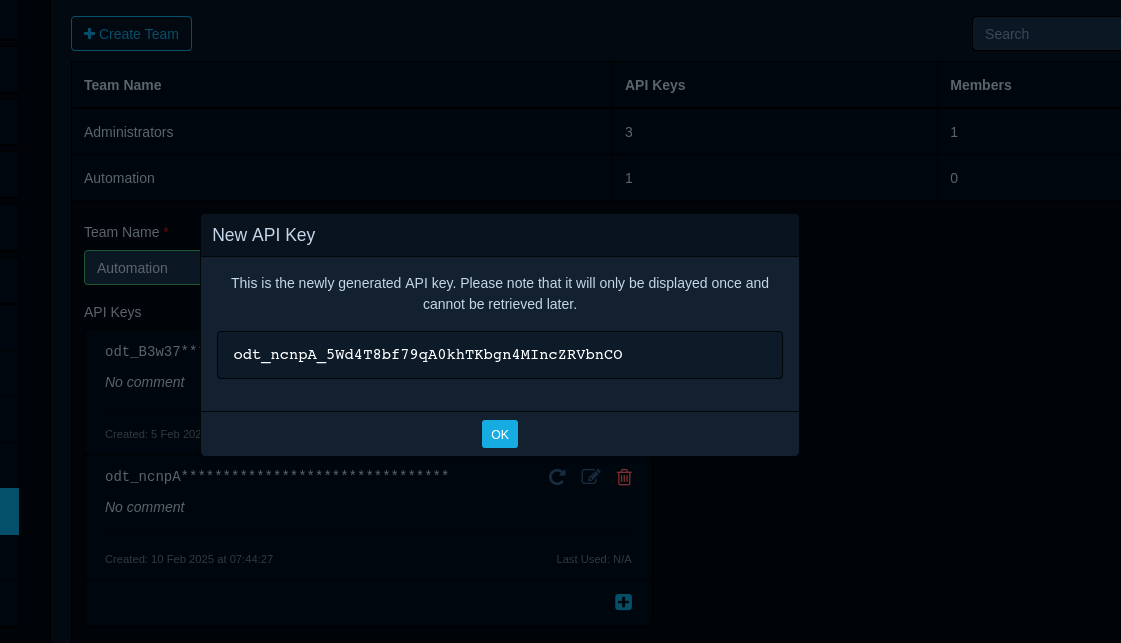
Generate an API key in Dependency-Track under Administration > Access Management > Teams > Automation. Store it as a GitHub Actions secret — never hardcode it in the workflow.
Post-Install Checklist
1. Change the admin password immediately. 2. Enable vulnerability sources: Administration > Vulnerability Sources — enable NVD, GitHub Advisories, and OSS Index. 3. Configure notifications: Administration > Notifications — alert on new Critical/High findings to Slack or email. 4. Create a project for each application and upload your first SBOM. 5. Enable the policy engine: Administration > Policy Management — flag components with unacceptable licenses or CVSS scores above your threshold. 6. Enable Prometheus metrics (ALPINE_METRICS_ENABLED: true) and wire into Grafana for a visibility dashboard.
Closing the Loop on TeamPCP
Had organizations running Trivy also been running Dependency-Track, the response to the campaign would have been dramatically faster. The moment Aqua published the compromised v0.69.4 binary, Dependency-Track would have correlated it against any project in your portfolio that listed trivy as an SBOM component. Instead of manually auditing pipeline logs, you would have had a dashboard showing exactly which projects were exposed and for how long.
That is the practical value of continuous SBOM tracking: not just knowing what is in your software at build time, but having a living record you can query the moment a new threat emerges.
Resources
Official site: dependencytrack.org | Official documentation: docs.dependencytrack.org | Helm charts: github.com/DependencyTrack/helm-charts | CycloneDX tool center: cyclonedx.org/tool-center